HP
Pantum DL-412 Compatible Drum Unit for P3012D, P3302DN, M7102DN, M7202FDN, M7302FDN
Pantum DL-412 Compatible Drum Unit for P3012D, P3302DN, M7102DN, M7202FDN, M7302FDN
Couldn't load pickup availability
Compatible Drum Unit for Pantum DL-412 — Yield: 12,000 Pages
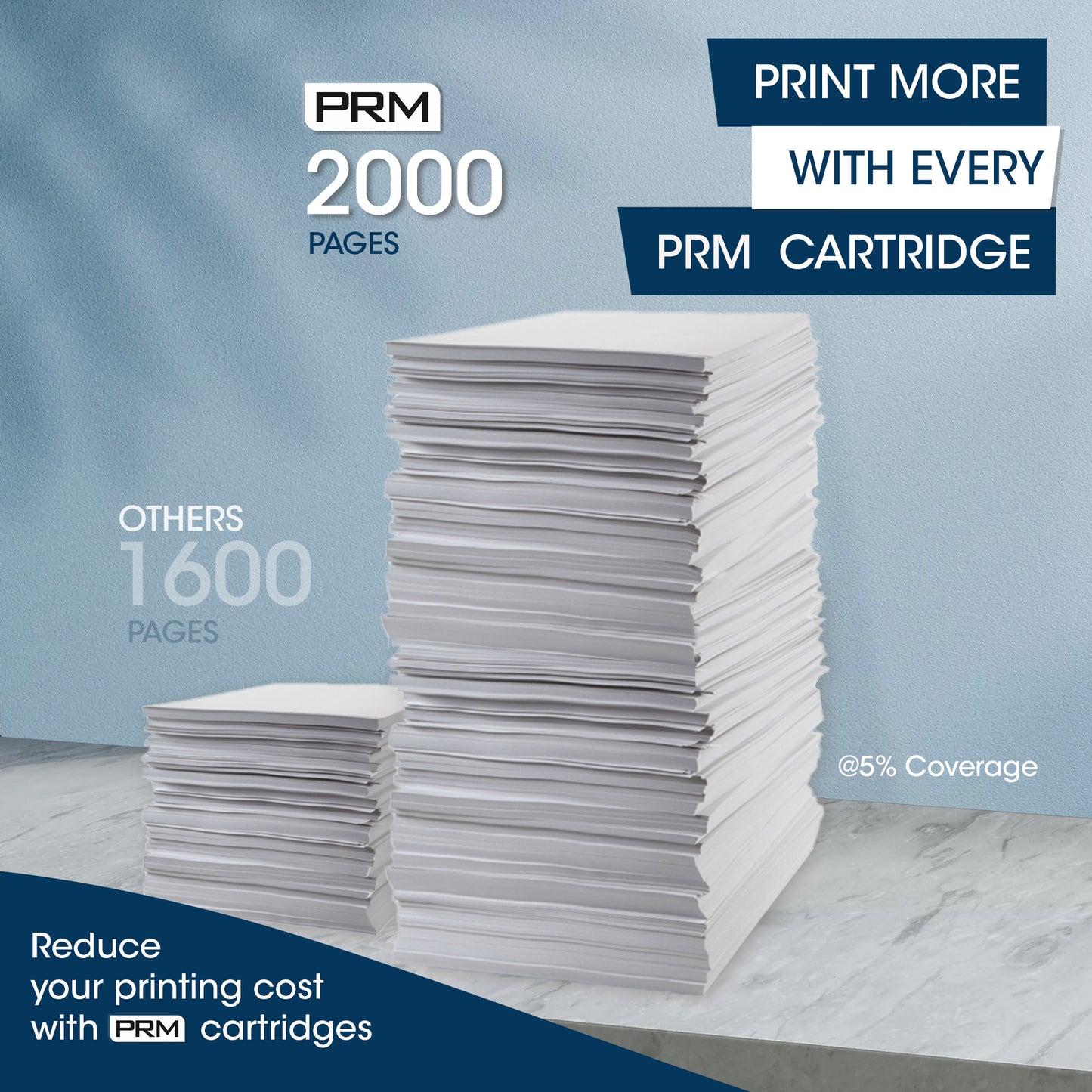
Get long-lasting print quality at half the cost with the PRM Compatible Drum Unit for Pantum DL-412. This imaging drum delivers up to 12,000 pages at 5% coverage — designed for Pantum's popular P3012, P3302, M7102, M7202, and M7302 series business laser printers.
Looking for a Pantum M7102DN drum unit or Pantum P3302DN drum replacement? The DL-412 is the correct imaging drum for all Pantum P3012, P3302, M7102, M7202, and M7302 series printers listed below.
Drum Unit vs Toner Cartridge — What's the Difference?
Your Pantum printer uses two separate consumables: a toner cartridge (TL-412K / TL-412HK / TL-412XK) that holds the toner powder, and a drum unit (DL-412) that transfers the image onto paper. The drum lasts far longer than the toner — up to 12,000 pages vs 1,500–6,000 pages for the toner. You only need to replace the drum when you see faded prints, grey backgrounds, streaks, or spots that don't go away after replacing the toner cartridge.
1. High 12,000-Page Yield: One drum unit outlasts 2–8 toner cartridges depending on which toner you use (TL-412K at 1,500 pages, TL-412HK at 3,000 pages, or TL-412XK at 6,000 pages). Replace less, save more.
2. Restore Print Quality: Faded prints? Grey backgrounds? Vertical streaks? Black spots? Ghosting? If replacing the TL-412 toner doesn't fix it — the drum unit is the answer. A fresh drum restores your printer to like-new output.
3. 50% Cost Savings: PRM compatible drum units deliver the same 12,000-page performance at a fraction of the original Pantum DL-412 price.
4. Separate Drum = Lower Total Cost: Because the drum and toner are separate, you only replace what's actually used up. Most of the time you're only buying toner — the drum keeps working in the background for thousands of pages.
5. Easy Installation: Open the front cover, remove the drum and toner assembly, separate the toner cartridge, swap in the new drum, reinsert toner, and slide back in. No tools needed — takes under 2 minutes.
Compatible Printers:
Pantum: P3012D, P3012DW, P3302DN, P3302DW, M7102DN, M7102DW, M7202FDN, M7302FDN, M7302FDW
Also known as: Pantum DL-412, DL412, DR-412, DR412, PC-412, Pantum M7102DN Drum, Pantum P3302DN Drum Unit, Pantum M7302FDN Drum
Share