Premier Computers
Printhead for TSC DA310 / DA320 Barcode Printer – 300 dpi Direct Thermal
Printhead for TSC DA310 / DA320 Barcode Printer – 300 dpi Direct Thermal
Couldn't load pickup availability
Printhead for TSC DA310 and DA320 barcode printers – 300 dpi, direct thermal. If your TSC DA310 or DA320 has started printing white lines through barcodes, faded patches or labels that won't scan, the print head is usually the part that has worn out. This premium-grade replacement print head brings back sharp 300 dpi (12 dots/mm) output, so shipping labels, price tags, pharmacy labels and small QR codes scan first time again.
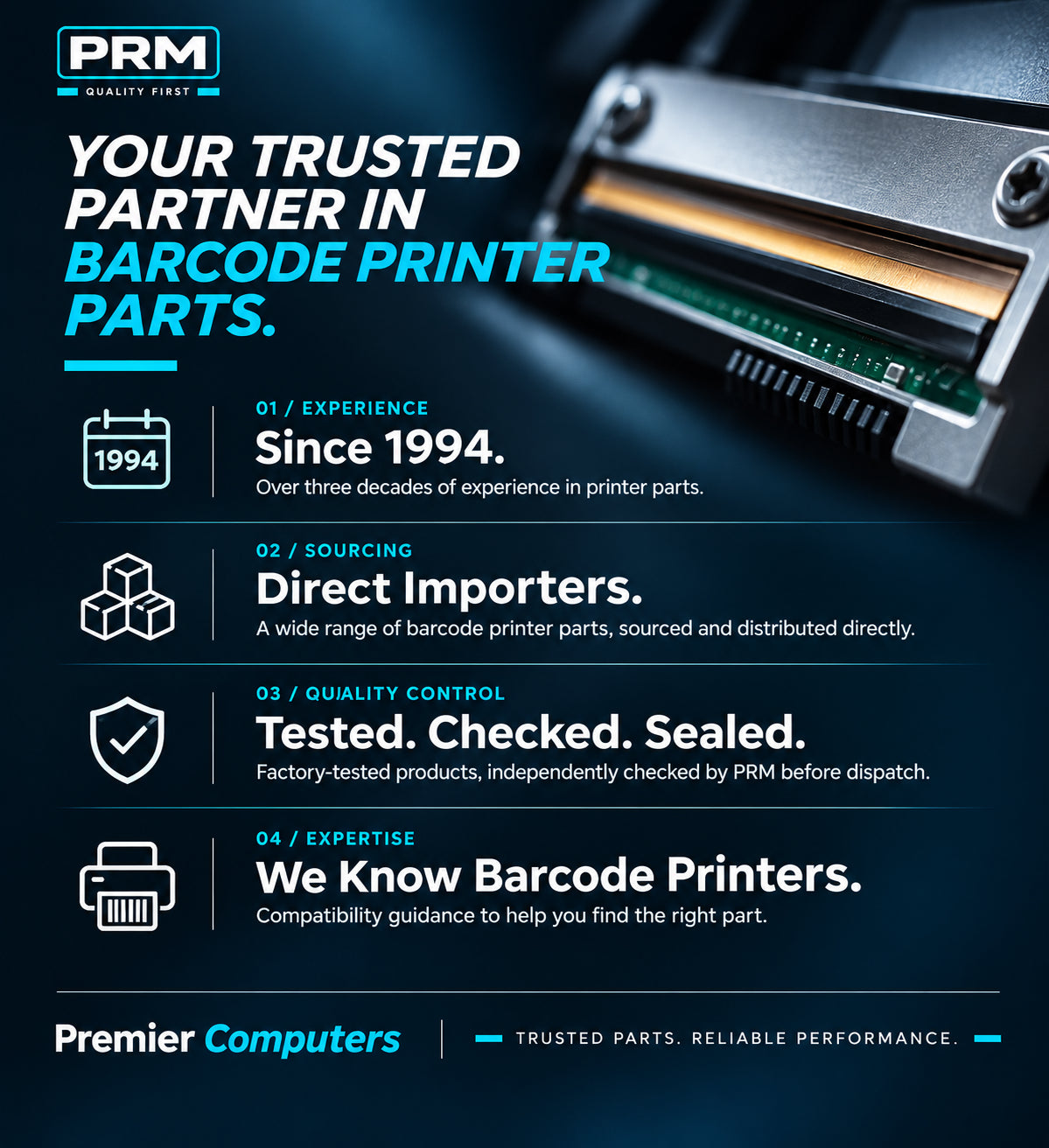
It is a compatible head made to the original TSC specification (reference part no. 98-0580061-11LF), factory-tested by the manufacturer, then checked and sealed by us before dispatch. Every order comes with a GST invoice for input tax credit, and our team will confirm the right head from a photo of your printer label before you pay.
Key features
- Sharp 300 dpi printing: 12 dots per mm for small text, dense 2D codes and fine logos.
- Direct fit for DA310 and DA320: same connector and mounting as the head it replaces. No modification needed.
- Full 4.16" print width: covers the printer's complete 105.7 mm print area, so nothing is cut off at the edges.
- Premium grade: our top grade, for daily, high-volume label printing.
- Factory-tested: every head is tested at the manufacturer's factory, then inspected and sealed by us.
- Replacement cover: replaced if it arrives dead or prints with missing lines (details below).
Specifications
| Product | Thermal print head (printhead assembly) for TSC DA310 / DA320 |
|---|---|
| Compatible printers | TSC DA310, TSC DA320 |
| Resolution | 300 dpi (12 dots/mm) |
| Print method | Direct thermal (no ribbon) |
| Print width | 105.7 mm (4.16") |
| Reference part numbers | 98-0580094-02LF, PH-DA210-0002, PH-DA210-0004, PH-DA-0002 |
| Grade | Premium (compatible, new) |
| Testing | Factory-tested by the manufacturer; inspected and sealed by PRM |
| Does not fit | DA210, DA220 (203 dpi), DA200 / DA300 series, TTP and TE series |
| Invoice | GST invoice with every order |
Which TSC printers does this print head fit?
This head fits the TSC DA310 and TSC DA320 only. These are the 300 dpi models in TSC's DA desktop series. They look identical to the 203 dpi DA210 and DA220, but the heads are different and will not swap:
| Printer | Resolution | Print head |
|---|---|---|
| TSC DA310 | 300 dpi | This head (98-0580094-02LF) |
| TSC DA320 | 300 dpi | This head (98-0580094-02LF) |
| TSC DA210 | 203 dpi | Different head (98-0580094-01LF) |
| TSC DA220 | 203 dpi | Different head (98-0580094-01LF) |
How to check your model: turn the printer over and read the label on the base. It shows the model (DA310 or DA320) and often the resolution. You can also print a self-test page: hold the feed button while switching the printer on, and the printout lists the model and dpi. Still not sure? WhatsApp a photo of the label to +91 90044 03030 and we will confirm the right head.
Signs your DA310 print head needs replacing
- Thin white lines running through every label, in the same place each time
- Barcodes that won't scan, or need several attempts
- One side of the label printing lighter than the other, even after cleaning
- Patchy or faded print that doesn't improve with a higher darkness setting
- Blank labels, or a head error on the printer
Try this first: clean the head with isopropyl alcohol and print a test label. If the white lines stay in exactly the same place, the heating dots on the head are burnt out, and cleaning or settings won't bring them back. A new head is the fix.
Direct thermal only: no ribbon needed
The DA310 and DA320 are direct thermal printers. They print straight onto heat-sensitive labels, without a ribbon. This head is built for that. Use direct thermal labels: if you scratch the label with a fingernail and it leaves a dark mark, it is direct thermal stock. If your printer uses a ribbon, you have a thermal transfer model (such as a TSC TTP or TE series printer) and need a different head.
How to replace the print head on a TSC DA310 / DA320
- Switch the printer off, unplug it and wait a few minutes for the head to cool.
- Open the top cover. The print head is mounted on the underside of the cover.
- Release the old head from its mounting and gently unplug its cable connector.
- Plug the cable into the new head, making sure the connector is fully seated, then clip the head into place.
- Close the cover, power on and run media calibration (gap/black-mark calibration) from the printer or TSC Console.
- Print a test label and set the darkness back to your usual level.
Hold the head by its edges. Never touch the heater line (the thin dark strip that prints) with bare fingers, and avoid static: touch a metal surface before handling it. Stuck on a step? WhatsApp us and we'll talk you through it.
How to make your new print head last longer
- Clean it regularly: wipe the heater line with isopropyl alcohol or head cleaning solution at every label roll change.
- Keep darkness low: use the lowest darkness and speed setting that still gives a clean scan. Extra heat wears the dots out faster.
- Use good labels: rough, dusty or cheap thermal paper scratches the head. Good-quality direct thermal labels add months to its life.
- Keep the printer covered: dust and adhesive build-up are the most common causes of early head failure.
- Clean the platen roller too: a dirty or worn roller causes patchy print and puts extra pressure on the head.
Where DA310 and DA320 printers are used
The DA310 and DA320 are popular wherever small, sharp labels matter: e-commerce and courier shipping labels, retail price and shelf tags, pharmacy and medicine labels, jewellery tags, food and FMCG labelling, and inventory and asset tags. When the print head fails, labels stop scanning and work stops, so it pays to keep a spare head in stock.
Why buy your print head from PRM
- In the printer parts business since 1994: Premier Computers supplies printer parts to dealers, service engineers and businesses across India.
- Checked before dispatch: every head is inspected and sealed by our team.
- Right part, first time: send a photo of your printer label and we'll confirm compatibility before you order.
- GST invoice: claim input tax credit on every purchase.
- Bulk rates for dealers and service engineers: WhatsApp us for quantity pricing.
- Fast dispatch across India from our warehouse in Bhiwandi.
Tested and covered
Factory-tested by the manufacturer, then checked and sealed by us. We replace the head within 7 days of delivery if it arrives dead or prints with missing lines. Not covered: scratches or burnt dots from rough labels, dirt or adhesive build-up, very high darkness settings, physical damage during fitting, or the wrong model ordered. To claim, WhatsApp a photo of a test print and your invoice number to +91 90044 03030.
Frequently asked questions
Will this print head fit my TSC DA210 or DA220?
No. The DA210 and DA220 are 203 dpi printers and use a different head (98-0580094-01LF). This head fits the 300 dpi DA310 and DA320 only.
Is this an original TSC print head?
No. It is a premium-grade compatible head, made to the original TSC specification and factory-tested by the manufacturer. It fits and prints like the original at a lower price.
Does the DA310 need a ribbon?
No. The DA310 and DA320 are direct thermal printers and print straight onto heat-sensitive labels.
What part number is this?
It replaces TSC printhead assembly 98-0580094-02LF, also listed by resellers as PH-DA210-0002, PH-DA210-0004 and PH-DA-0002.
Can I fit it myself?
Yes. Most users replace it in a few minutes by following the steps above. Run media calibration after fitting.
The new head prints faintly. What should I check?
Make sure the connector is fully pushed in and the head is clipped flat, then run calibration and raise the darkness one step at a time. Also check that you are using direct thermal labels, not plain paper.
How long does a print head last?
It depends on how many labels you print, the label quality, the darkness setting and how often you clean the head. Following the care tips above makes the biggest difference.
Do you give a GST invoice?
Yes. Every order comes with a GST invoice. Enter your GSTIN at checkout to claim input tax credit.
Do you offer bulk pricing?
Yes. Quantity rates are shown on this page. For larger orders or dealer pricing, WhatsApp +91 90044 03030.
Share